Scope the CMS as an Operating Workflow
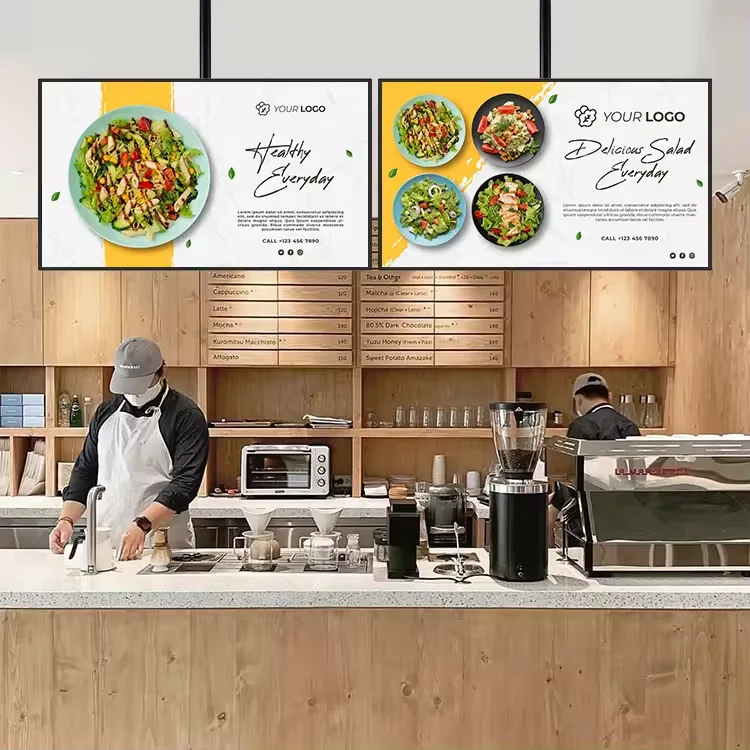
A digital menu board CMS is often described as a publishing tool, but the buying decision is broader. It covers the content model, screen layouts, scheduling rules, user permissions, update delivery and evidence that a change appeared on the intended display. Ask for a workflow demonstration using a realistic menu, not a static sample. Two suppliers may both claim remote updates while offering very different approval chains, file handling and failure recovery.
Define the operating model before comparing software. A single restaurant may need one manager to change prices and another to control brand templates. A multi-site operator may need central menus with local exceptions for sold-out items, regional pricing or opening hours. If local overrides are optional, treat them as optional in the quotation and ask how they are bounded by central control. The digital menu board buying guide provides the procurement frame; this article focuses on CMS evaluation.
Content Model, Templates and Assets
Start with menu structure. A CMS may store complete screen images, individual menu items, price fields, product photographs, category labels or reusable content blocks. The choice affects how quickly a price change can be made and how consistently a promotion is applied across sites. Ask the supplier to show the record structure for a menu item and the steps needed to change its price, description, image and availability. If menu data will be imported, request a sample mapping rather than a verbal assurance.
Asset preparation matters as much as the interface. Ask which image sizes, aspect ratios, file formats and video formats are accepted, whether the CMS converts files automatically and how an unsupported file is reported. Use MDN’s media format guidance to frame questions about browser and player support; the exact formats accepted by a CMS and player still require confirmation. Template controls should also be tested: can a central team lock brand elements while allowing a local manager to edit prices or hide a sold-out item?
Templates must match the menu’s real structure. A template that assumes three price columns may fail when a restaurant adds sizes, bundles or dietary labels. Ask how optional fields behave, how text overflow is handled and whether long item names reduce legibility. Review templates at the actual viewing distance and on the intended screen size, because a design that looks clear on a desktop preview may not work above a counter.
Layouts, Playlists and Scheduling Rules
Ask how a complete screen is composed. Some systems publish a single full-screen image; others divide the screen into zones with separate playlists, static price panels or promotional video. Zone-based layouts can be useful for breakfast, lunch and dinner, but they add complexity to approvals and testing. Obtain a layout diagram and confirm which zones are fixed, which rotate and which can be changed locally. A clear layout also helps the installer set orientation and resolution correctly.
A playlist may run in a fixed sequence, rotate randomly, follow a daypart schedule or change under defined conditions. Ask for the duration of each item, the total cycle time and the behaviour when content is missing or a scheduled item expires. If the CMS supports time-based rules, test a change that must occur at a specific hour across several displays. Confirm whether the schedule follows the display’s local time, a central time zone or a user-set time zone.
Scheduling should include the exception path. A store manager may need to remove a sold-out item, add a local promotion or post a temporary closure notice. Determine whether overrides are permitted, who can approve them and how they are reconciled with the central menu. A short playlist cycle can cause customers to see the same promotion repeatedly, so include cycle length and content volume in the acceptance review.
Remote Updates and Network Resilience
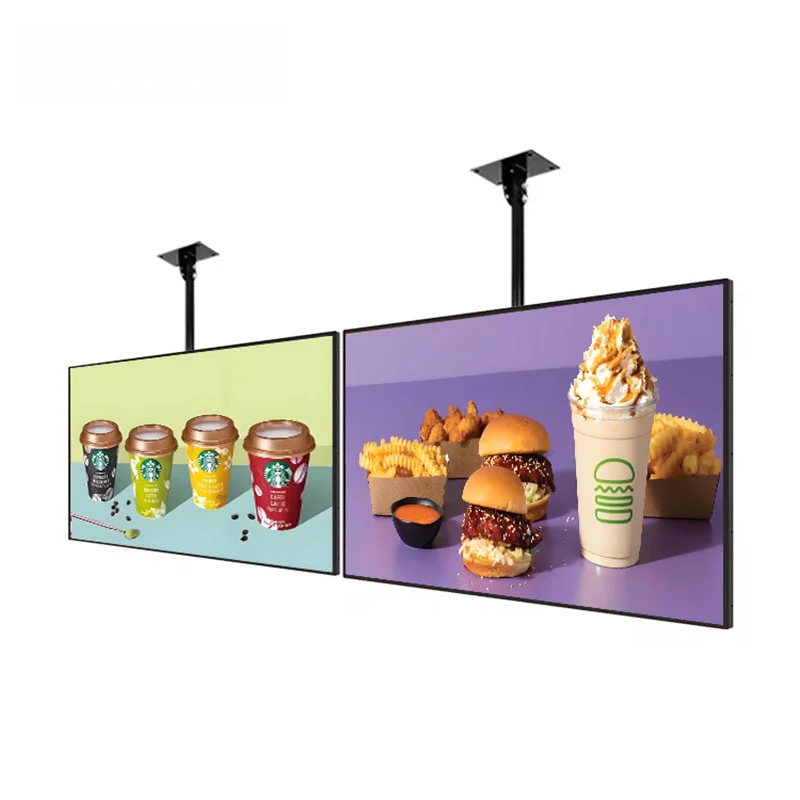
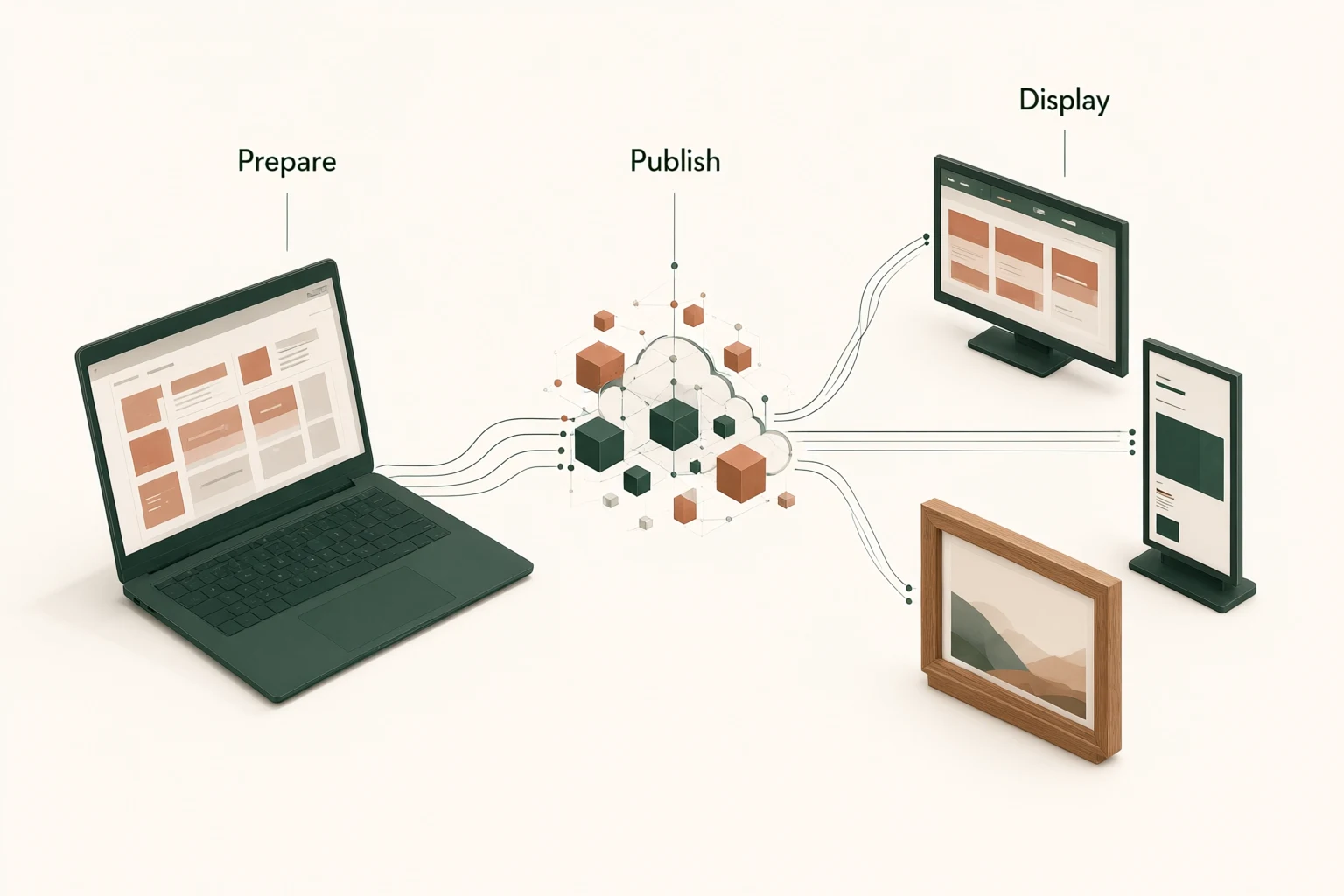
A remote CMS may be central, local or a combination. A central service can distribute content to many sites, maintain shared libraries and apply site-specific schedules. A local installation may serve displays inside one restaurant. The RFQ should define where the CMS is hosted, who administers it, how users reach it and what happens if the internet connection is interrupted. Alihh product information states support for remote CMS; the quotation should clarify whether that means content publishing, schedule control, device monitoring, local storage of playlists or another bounded service.
Do not infer a cloud subscription, API, mobile app or automatic monitoring from the phrase remote CMS. Ask the supplier to mark each capability as standard, optional, third-party or unavailable. For each site, describe the upload path, expected file sizes and how a failed upload is detected and retried. If displays download content in advance, confirm local storage capacity and retention. A local buffer may help maintain presentation during a network interruption, but its duration and scope need testing. The digital menu board installation checklist can connect network readiness, power access and display placement to the CMS plan.
Users, Approvals and Playback Evidence
Permission design should reflect the organisation. A central brand manager may control templates and approved assets, while a regional operator changes menus and a store user hides sold-out items. Ask how roles are created, whether permissions apply by site, display group or content type, and whether single sign-on is available or optional. A simple role matrix in the RFQ reduces later disputes about who can publish what.
Preview and approval steps matter for high-volume menus. Confirm whether a draft can be reviewed before publication, whether changes require a second approver and how a published version is replaced or rolled back. An audit trail can help show who changed a price or schedule, but the RFQ should specify the retention period and export format. If proof-of-play records are required, ask what evidence is collected, where it is stored and whether it is standard or optional.
Error handling is part of the content workflow. Ask how the CMS reports a display that is offline, a playlist that failed to load or a file that is missing. A dashboard alert is useful only when it reaches the person who can act. Include a fallback plan for menu outages, such as a printed menu or staff-assisted ordering, and decide whether a website menu or another readable version is needed.
Hardware and Site Fit Around the CMS
The CMS is only one part of the menu board system. At each site, confirm display size, orientation, mounting position, power access, network path and viewing distance. Alihh’s 32-inch digital menu board and 43-inch digital menu board pages provide starting configurations; the quotation should tie the selected CMS workflow to the chosen hardware and player arrangement. A larger screen does not fix a weak content layout, and a small screen may not carry every zone and promotion comfortably.
An integrated Android system can reduce separate player hardware, but it does not by itself settle CMS hosting, software updates, user accounts or support responsibility. Ask how the display receives content, what local storage is available and how software and security updates are handled. If the CMS is supplied by a third party, identify the support boundary between Alihh hardware support and the CMS provider. Confirm whether the screen can show a clear error or fallback state when content is unavailable.
Plan installation around the content. A menu board near a bright window may need different treatment from one in a shaded dining area, and a portrait layout changes template design. Cable routes, ventilation and service access should be checked before mounting. The acceptance test should include the actual site network, the selected screen size and the final playlist, not only a desktop CMS preview.
Acceptance Tests and RFQ Inputs
Run a pilot before full rollout. Publish a breakfast-to-lunch menu change, edit a price, hide an item, add a promotion and restore the standard menu. Test a role with limited permissions, a scheduled change across two displays, an interrupted network and the fallback process. Review the screen from the customer’s viewing position and check text size, contrast, refresh timing and whether moving elements distract from prices. Record pass or fail against agreed criteria.
A useful RFQ gives the supplier enough detail to quote the CMS and hardware together. Include the number of sites and displays, screen sizes and orientation, content types, menu update frequency, approval roles, local override rules, data sources to integrate, network method, offline expectation, audit or proof-of-play needs, languages, accessibility requirements and who will administer the CMS. Ask the supplier to separate standard, optional and third-party items, state support responsibilities and propose acceptance tests. Use the digital menu board cost guide to structure quote scope, then discuss the menu display project with the required workflow and site inputs rather than requesting a generic price.
Publication is not complete when a file uploads. Confirm that the correct playlist is assigned to the correct display group, the preview matches the intended result and the effective time is visible to the operator. Keep a record of approved content, publication time and the person responsible. Include any required accessibility route in the acceptance plan so staff know how to respond when a customer cannot read the displayed menu.
Frequently asked questions
What should a digital menu board CMS control?
A digital menu board CMS should control how menu content is structured, assigned to layouts or playlists, scheduled for publication and delivered to displays. A practical evaluation also covers user permissions, preview and approval steps, failure reporting and any audit or proof-of-play records the operator needs. The exact feature set varies by system and must be confirmed in the quotation.
Does Alihh’s remote CMS support scheduling and local overrides?
Alihh describes its digital menu board range as having a built-in Android system and support for remote CMS. Scheduling rules, local overrides, hosting arrangements, user roles, monitoring and support responsibilities are configuration and service details that should be confirmed for the proposed CMS. Ask the supplier to mark each requested capability as standard, optional, third-party or unavailable.
How should we prepare an RFQ for a digital menu board CMS?
State the number of sites and displays, screen sizes and orientation, menu types, update frequency and approval roles. Describe local override needs, data sources to integrate, network arrangements, offline expectations, audit or proof-of-play requirements and accessibility plans. Ask for a workflow demonstration, a role and permission matrix, acceptance tests and a clear separation of hardware, CMS, hosting, support and third-party services.
Sources and further reading
External references explain general planning principles. They do not establish Alihh product compatibility or model-specific specifications.