Set the screen's job before choosing a wall position
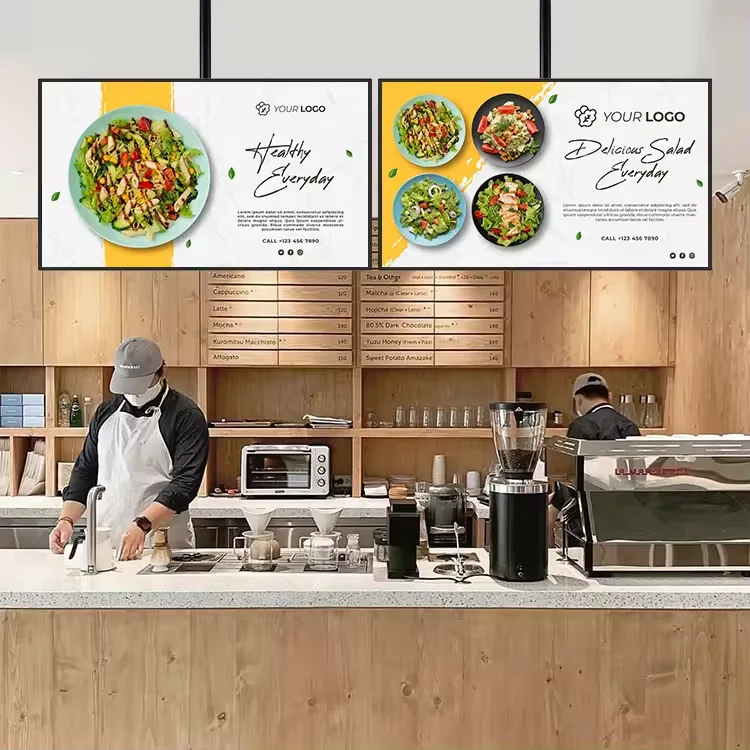
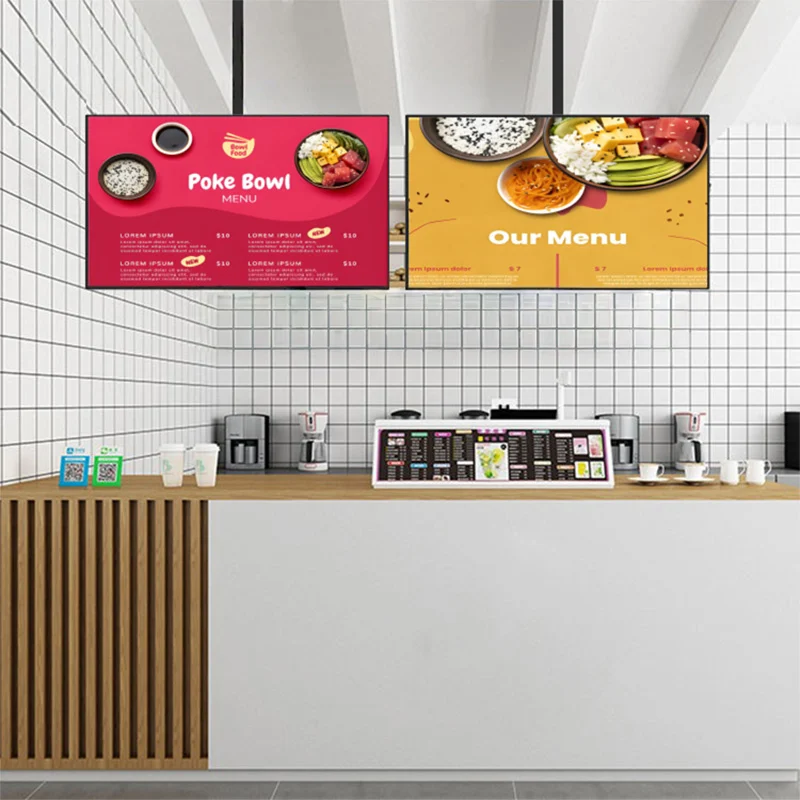
The 43-inch size can work as a primary menu display or as one panel in a wider menu wall. Decide whether it shows the full menu, a category block or a promotion that changes by daypart. A single screen needs larger type and fewer items than a multi-screen layout; a row allows separation but demands consistent alignment and content roles. Compare a smaller counter format through the 32-inch digital menu board if space is tight.
Check viewing distance from the queue, the ordering point and the pickup area. The listed 178° viewing angle helps wider sightlines, but installation height and glare from windows still affect readability. This product is for indoor menu presentation; do not treat it as an outdoor drive-thru cabinet or a payment kiosk. Send a photo of the wall and the queue path, not only a dimension sketch.
Fix panel criteria in writing
The 43-inch listing states 500 cd/m² for the product shown. The menu-board category also lists a 500–700 nit selectable range, so state the lighting condition and ask which panel is quoted. Do not assume every 43-inch unit is 700 nits or suitable for direct sunlight. Ask for the selected brightness, contrast, viewing angle and native pixel dimensions on the quotation.
Native resolution must be confirmed in writing for the selected panel. Ask the quotation to identify native panel resolution and supported media playback separately for the chosen configuration. Give your designer the approved pixel canvas and review menu artwork at that size. Keep panel response and network update time as separate checks.
Plan mounting, seams and service access together
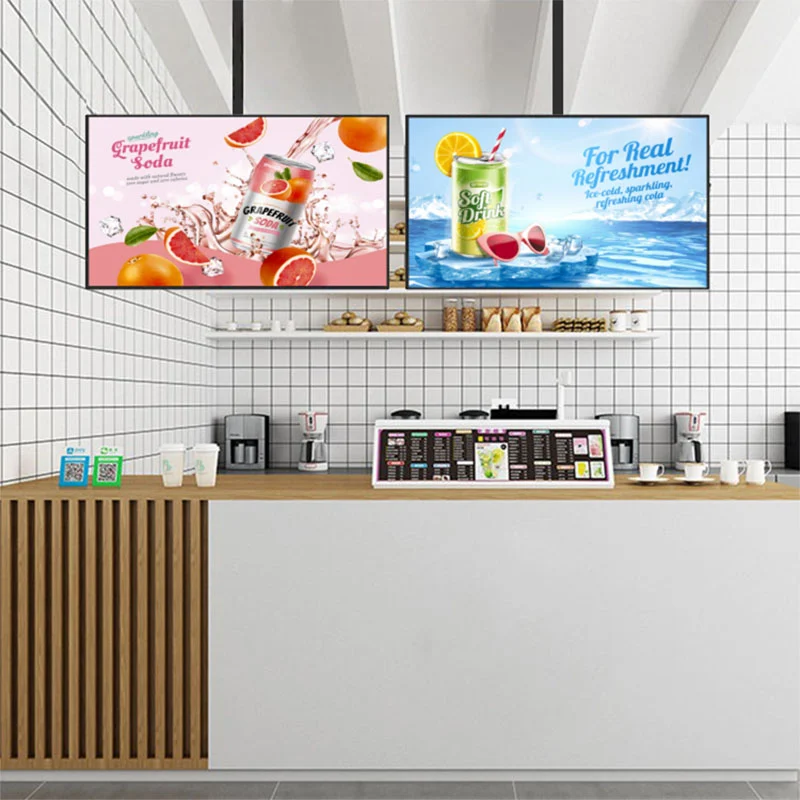
The 43-inch menu board is listed with wall, hanging and splicing installation options, and its published bezel is 4 mm. Bezel width is not the same as the visible join after installation. Alignment tolerances, enclosure spacing and the mounting frame determine the seam. Request the enclosure drawing, mounting bracket details and a list of included parts before approving a row.
Agree how power, network and signal cables will reach each screen, and leave a safe way to remove a middle unit for service. Have the installer confirm the support structure and clearances. Do not finish surrounds or trim until the selected unit's installation dimensions have been checked against the site. For multi-outlet projects, use the same approved mounting kit and configuration across sites where possible.
Choose a content workflow that matches the screen roles
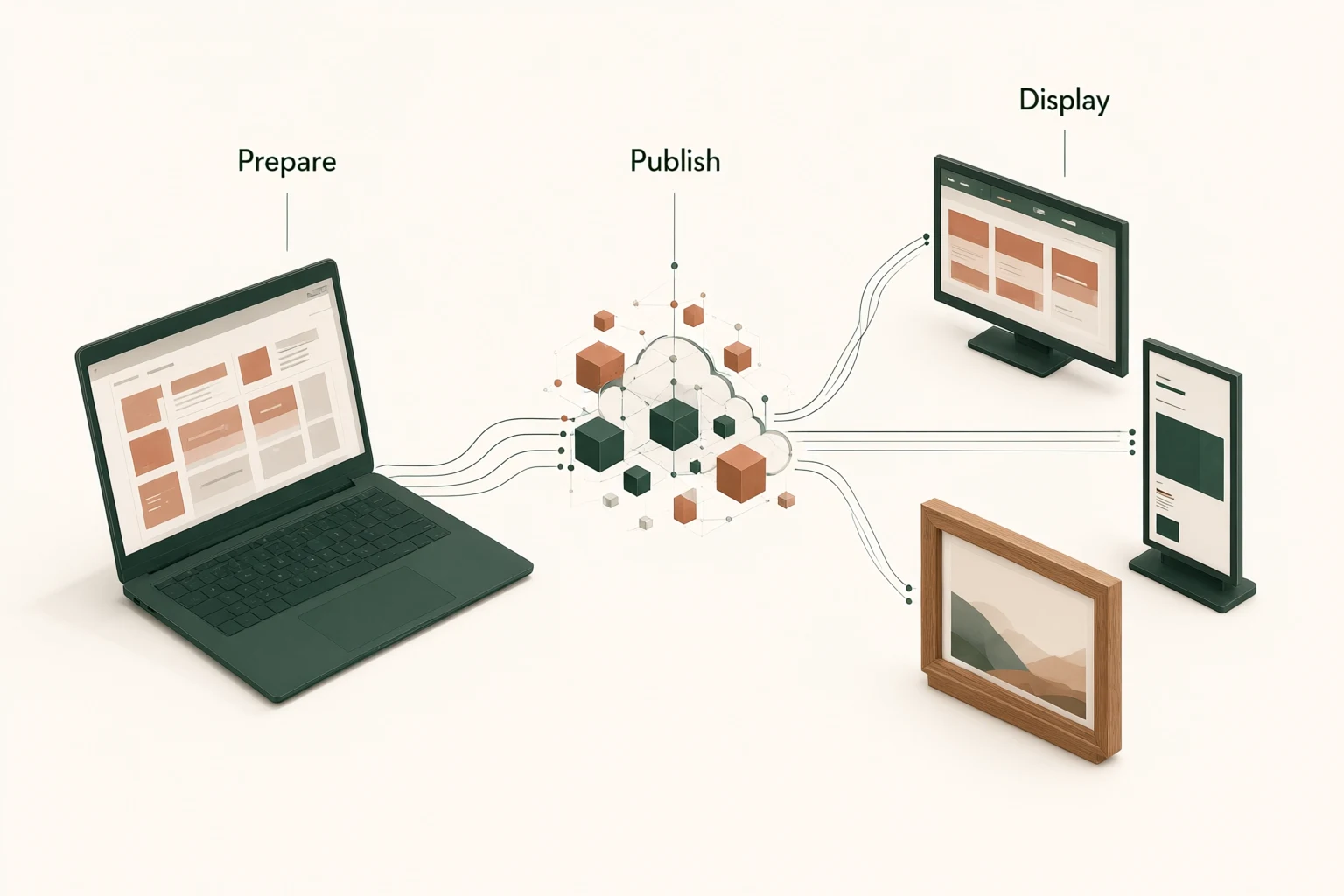
The menu-board range lists a built-in Android system and remote CMS support. Confirm the exact software version, account model and publishing workflow for the 43-inch configuration you order. If staff will change prices at the counter, test permissions and approval steps; if head office controls menus, clarify who can publish to each screen.
Give every display a name tied to its role, such as main menu, drinks or promotion. Remote publishing does not by itself guarantee synchronized playback across several screens. If one video must span a row, ask separately about video-wall processing, hardware and licences. Also ask what happens to scheduled content after a network interruption and how the screen recovers.
Prepare RFQ inputs for a meaningful factory quote
Send the number of screens, outlet count, destination and target installation date. Include the wall width, viewing distance, preferred orientation and whether each screen is independent or part of a spliced arrangement. Add a draft menu and brand guidelines so the panel and mounting choices can be reviewed against real content.
List required and optional items separately: brightness option, native resolution, built-in Android and remote CMS status, mounting brackets, cables, power supplies and packaging. State any OEM/ODM request and ask Alihh to confirm customisation scope rather than assume it. Use the restaurant menu display category to compare related formats, then send your 43-inch menu-board requirements to Alihh for a factory quotation.
Set acceptance before repeating the order
Ask for a pre-production specification sheet and agree how content will be reviewed against the menu layout, brightness setting and mounting arrangement. The acceptance record should identify the approved panel, ports, software version, accessories and packaging. Do not rely on a generic product title where the quotation can state the selected configuration.
Before a rollout, inspect one installed screen or a mock wall section for legibility, cable access and service removal. Record any site-specific adjustments and apply them to later outlets. This is also the point to confirm warranty terms, technical support contacts and spare-part handling in the commercial documents.
Frequently asked questions
Where does a 43-inch digital menu board fit best?
It suits a primary restaurant menu display or one panel in a multi-screen menu wall. Confirm viewing distance, installation height and queue position before choosing the layout. For tight counter space, compare the smaller 32-inch format. For outdoor drive-thru or payment hardware, evaluate a different product category.
What panel details should be fixed in the quotation?
Ask for the selected brightness, native panel resolution, supported media playback, contrast, viewing angle and ports. The 43-inch listing shows 500 cd/m², while the menu-board category lists a 500–700 nit selectable range, so the quotation must identify the quoted panel rather than imply every unit has the same brightness.
Can the screen be hung, wall mounted or arranged in a row?
The product listing includes wall, hanging and splicing arrangements. A published 4 mm bezel does not define the installed seam. Request enclosure drawings, mounting parts, cable routes and service access details before approving fixtures for a row.
How should we prepare an RFQ for one screen or a rollout?
Send quantities, outlet layouts, wall photos, viewing distances, orientation, screen roles, draft menu content, destination and target installation date. Specify brightness, native resolution, built-in Android and remote CMS status, mounts, cables, power supplies, packaging, OEM/ODM requests and acceptance documents. Ask for required and optional items to be priced separately.
Product references