Where this size fits, and where it does not
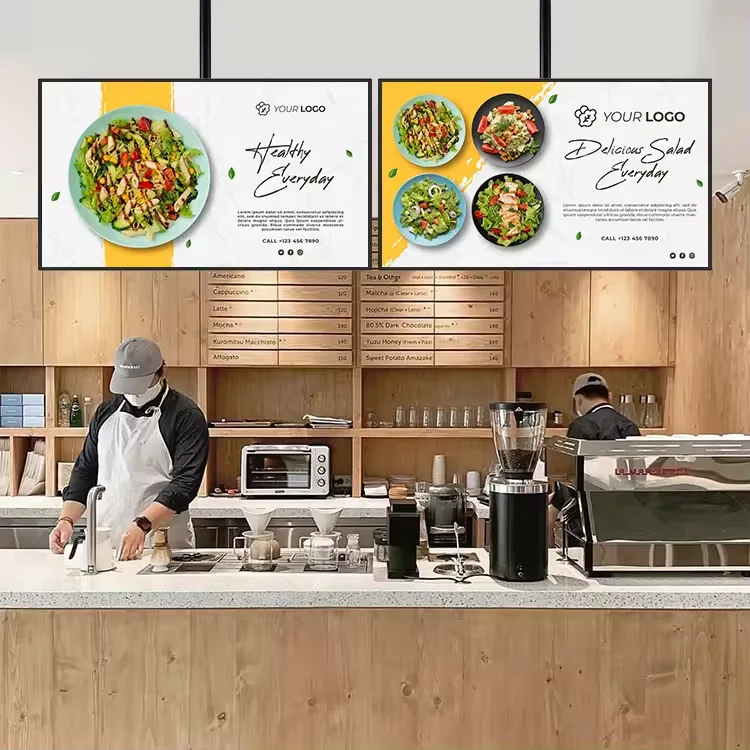
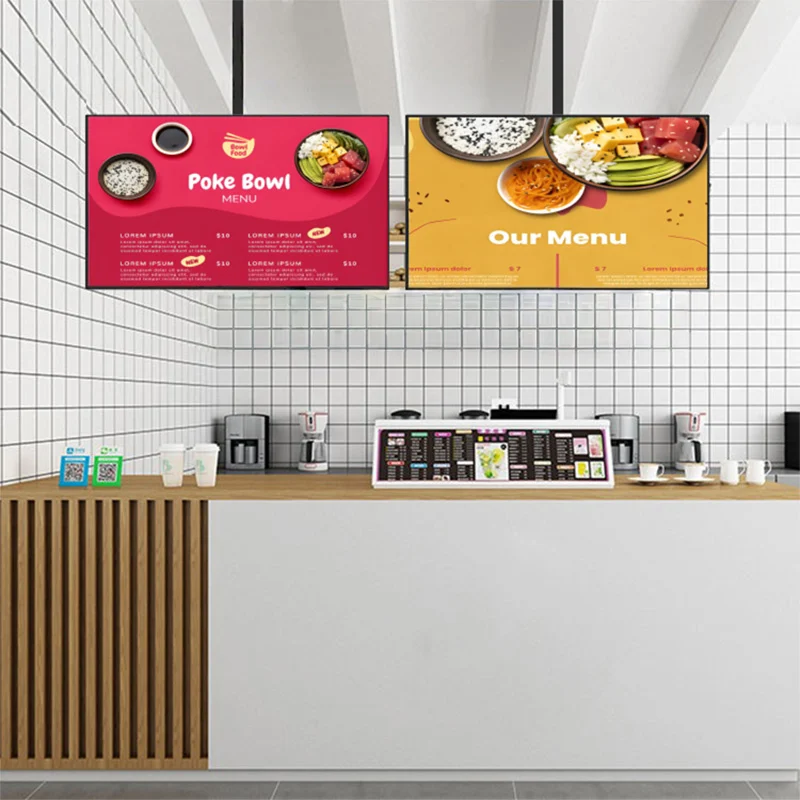
A 32-inch screen suits a service point where customers stand close enough to read a short menu and a few price changes. It can work above a pickup shelf, beside a drinks station or at a secondary counter that does not need the full board used at the main ordering lane. Keep the content role narrow: drinks, sizes, modifiers, a featured item or an allergen note may be enough. If customers must compare many meals across a wide lane, the layout may need more canvas; compare the 43-inch digital menu board before locking the size.
This product is not a substitute for an outdoor display, a payment terminal or a touch-enabled kiosk. It is also not an all-in-one touch PC for customer input. Use it for passive menu presentation unless a different configuration is explicitly quoted. Send a sketch of the counter, the distance from the customer's eye to the screen and the longest menu line. Those inputs are more useful than a generic request for a 32-inch screen because they let the supplier advise on layout and legibility.
Panel and artwork decisions to settle early
Product information lists a 500 cd/m2 brightness figure, a 4 mm bezel and a 178-degree viewing angle. Those details matter for a well-lit counter, but they do not replace a review of the actual menu artwork. Dark food images, small price text and reflective finishes can look different under the venue's lighting. Ask for the panel and bezel details in the quotation, and review a sample image at the intended size.
Native resolution must be confirmed for the exact offered configuration. Keep native panel resolution separate from media playback support so the designer builds artwork for the correct canvas. Ask for the written panel specification rather than inferring it from broad marketing language. Include the menu file, preferred orientation and any brand fonts in the RFQ. If artwork is not ready, ask what file format and aspect ratio the supplier needs for approval before production.
Mounting, power and service access
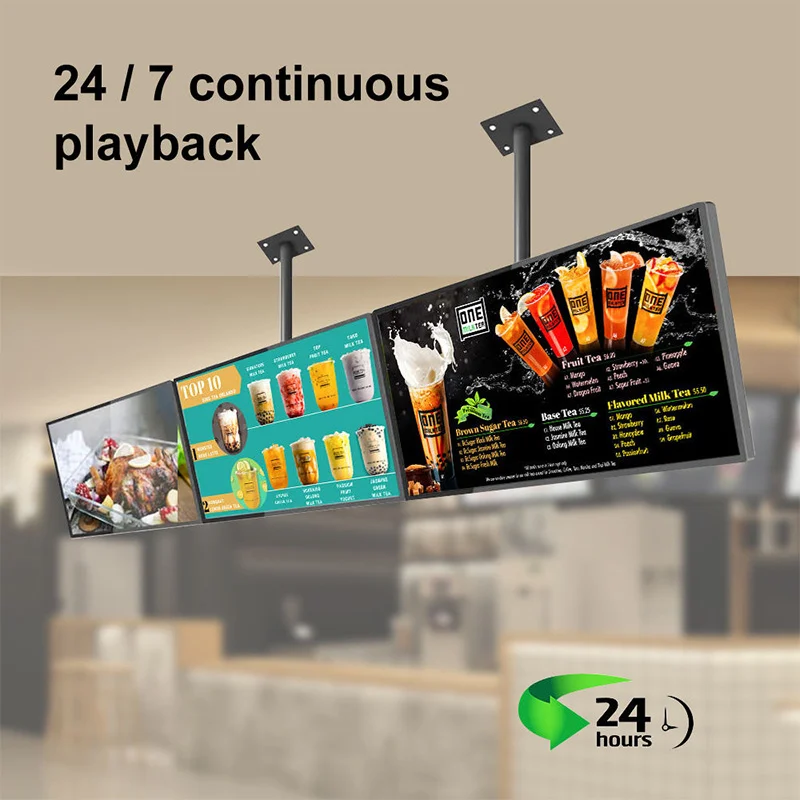
Wall and hanging arrangements are both described for this menu-board format. A wall mount can keep the counter clear, while a hanging position may place the menu above the ordering area. The bracket, fasteners, power supply and cable cover need to be identified in the offer. Send a photo of the wall or ceiling structure and the available width and height. The installer needs the selected unit's mechanical drawing, fixing pattern, weight and connector positions before building supports.
Plan service access as well as the viewing position. Leave room to reach the power switch, network port and any media connection without removing cabinetry. Confirm whether the installation is a single screen or part of an aligned row; the published 4 mm bezel is not the installed gap between adjacent units. Ask for cable routing and clearance instructions in the approval drawing. For renovation work, include the planned opening dimensions and the power location in the RFQ.
Content workflow and integration
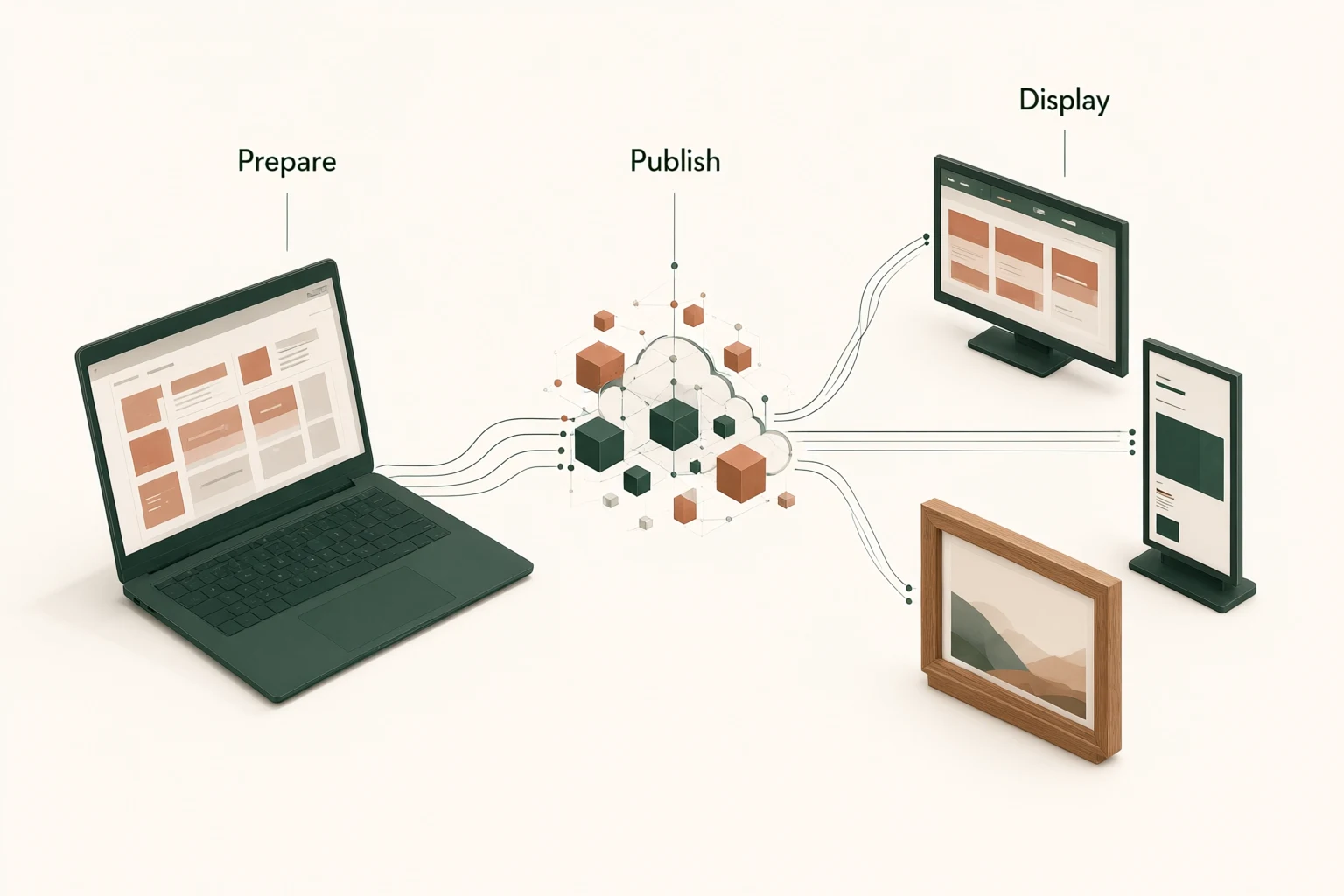
Menu-board range information describes Android-based operation and remote CMS support, but the offered package must be confirmed. Bring a realistic update task to the review: change a price, hide an unavailable item and replace a promotion. Decide who prepares the menu, who approves it and who publishes it. If several sites need the same promotion, ask whether the proposed workflow supports that arrangement and what license or service terms apply.
Remote updates depend on a working network connection at the counter. State whether you will provide Wi-Fi or Ethernet, and whether the screen must recover its content after a power interruption. If you already use a content platform, send its name and technical requirements for review. Do not assume compatibility from the word Android or CMS; request a demonstration with your content and update process. Keep menu content separate from any payment or ordering system.
Acceptance checks and quotation inputs
Agree an acceptance checklist before shipment. It can cover panel and bezel condition, mounting hardware, power accessory, cable connections, menu playback and the agreed update process. Ask for the packing list and the configuration details that will appear on the offer. On arrival, inspect the carton and screen before installation, then test the menu with final artwork. Record any damage or missing accessory with the carrier and supplier.
For a quotation, send quantity, delivery destination, mounting preference, wall or ceiling photo, menu artwork, network arrangement, required panel resolution and any CMS requirements. Add enclosure finish, logo or packaging requests if they are part of the project; Alihh offers OEM and ODM services, with scope and approval steps confirmed at quotation. Use the restaurant menu displays category to compare formats, and send your counter details to Alihh with these inputs. Ask for the display, mounting accessories, software terms, packaging, warranty and support scope in one itemized offer. Review the OEM and ODM process if customization is required.
Frequently asked questions
Is a 32-inch digital menu board right for a coffee counter?
It can suit a focused menu at a compact service point. Share the counter dimensions, customer viewing position and longest menu line. Compare a layout at realistic scale before choosing between this size and a larger screen.
Is the panel 4K?
Ask for the native panel resolution in writing for the exact offered configuration. Keep native panel resolution separate from supported media playback, and review a sample with your menu artwork before ordering.
Can we use our existing menu software?
Send the platform name and technical requirements for review. Android and remote CMS support in the menu-board range do not guarantee compatibility with every application. Request a demonstration with your content and update process.
Can this screen be used outdoors or for payment?
This is an indoor menu-board format. Do not assume outdoor protection, payment capability or interactive kiosk functions. If your project needs those functions, describe them in the enquiry so a different configuration can be reviewed.
Product references